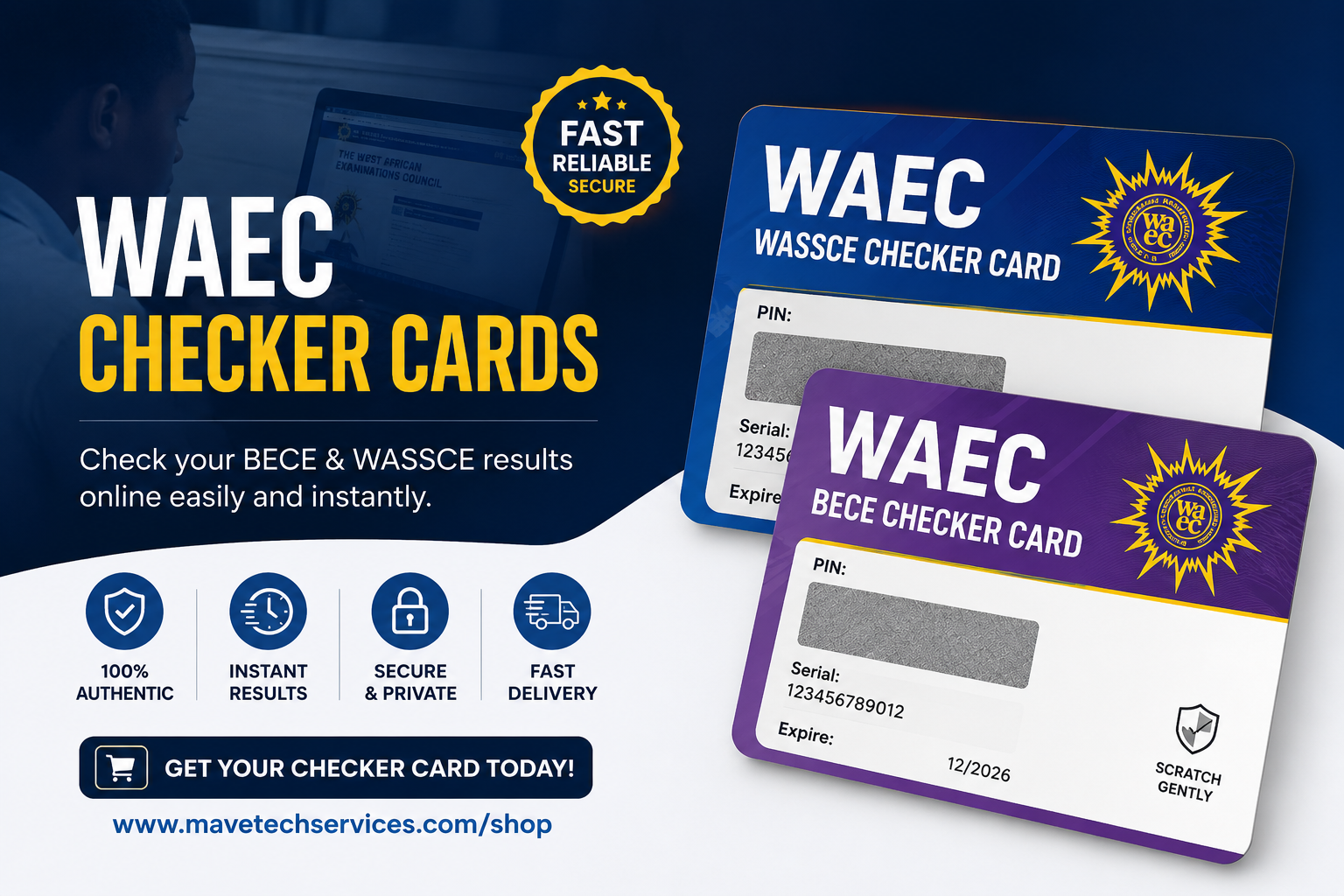
Checking your WAEC results in Ghana is simple once you have a checker card. Here's how to do it step by step:
- Visit the official WAEC eResults portal at eresults.waecgh.org.
- Enter your Index Number, then enter it again in the Confirm Index Number field.
- Select your Exam Type from the dropdown (e.g. BECE or WASSCE).
- Enter the Exam Year — the year you sat the exam.
- Enter the Serial Number and PIN from your checker card.
- Tick "I'm not a robot" and complete the verification if prompted.
- Click Submit and your results will appear on screen.
Keep your checker card until you've successfully checked your results — each PIN can usually only be used a limited number of times, so avoid entering it incorrectly.
Need a checker card? Order one from our shop — fast delivery!